
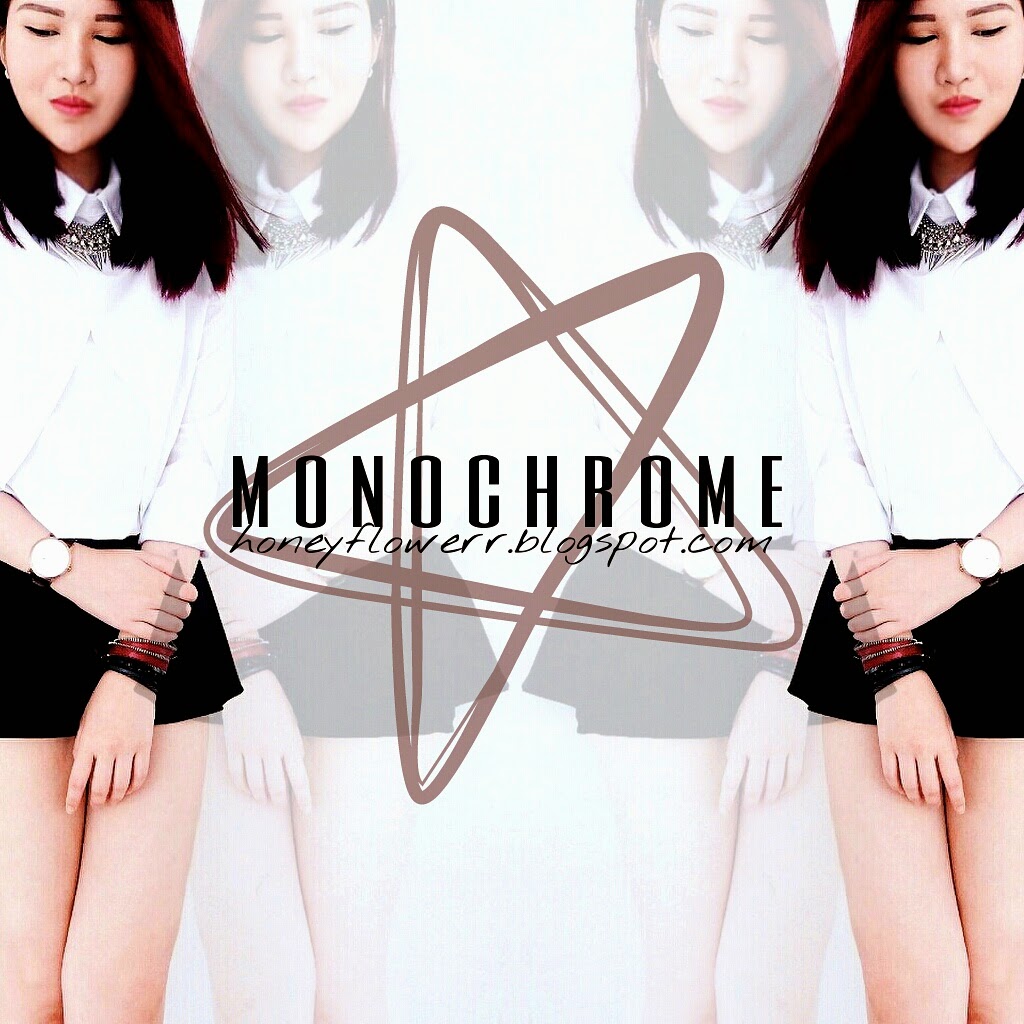
Many people have been asking me about how do I usually edit my photos and what photos editing apps am did I use, thus I came out with this post sharing some of my photos editing knowledge with people who are keen to know. Wanna find out how to do something like the picture about without using professional softwares like photoshop? I'll reveal later!!
Firstly, here are some of the main photos editing apps that I'm currently using.
- VSCO Cam (best editing app ever)
- Snapseed (good for brightening and contrast)
- PicsArt (for creative editing)
- XnExpress Pro (not available for iphone)
I have tons of editing apps on my phone but I don't use some of them at all. Other than those mentioned, I also have LINE camera, A Beautiful Mess, PhotoWonder, PicsPlay Pro, Aviary, Vintique, MTXX and etc.
Starting from something simple:


The photo on the left is the original photo without any filter or edit. I only used Snapseed and VSCO for this.

I will usually brighten up my images by adjusting the brightness, ambient and contrast using Snapseed first before I import them into VSCO. Well, you can actually skip this step if you are lazy!
Open up VSCO cam...


After importing the images into VSCO, select a filter that you would love to use then proceed to scale of intensity. After applying the filter, go to the manual editing tool which allows you to adjust the exposure, sharpness, tint and etc.


Use tint to makes photos less yellowish/greenish

Sharpen your photos! Trust me, they will look so much better!

Save the photo after editing from VSCO. Go to Snapseed again.

Do a final brightness, ambient, contrast adjustment. You can also further sharpen and structure the image if you want.
It also also be done by using XnExpress. I will recommend Android users to go download this app. I love their filters and the manual editing is actually good too! This app is similar to VSCO but a much simple one.

The wonder of PicsArt
Honestly, there is almost nothing PicsArt can't do. It may takes sometimes to figure out how to use all the functions and master the app. Some people actually deleted the app after downloading it as they do not know the wonder of this app and when I told them that certain function or effect can be achieve by it, they were like "Huh really ah? I had this app but I do not know how to use". :facepalm: I've learnt quite a few PicsArt tricks which to my surprise, not many of my friends who are instagram users known of. I am not gonna share all here today but I will update will more editing tips and tutorial when I've time.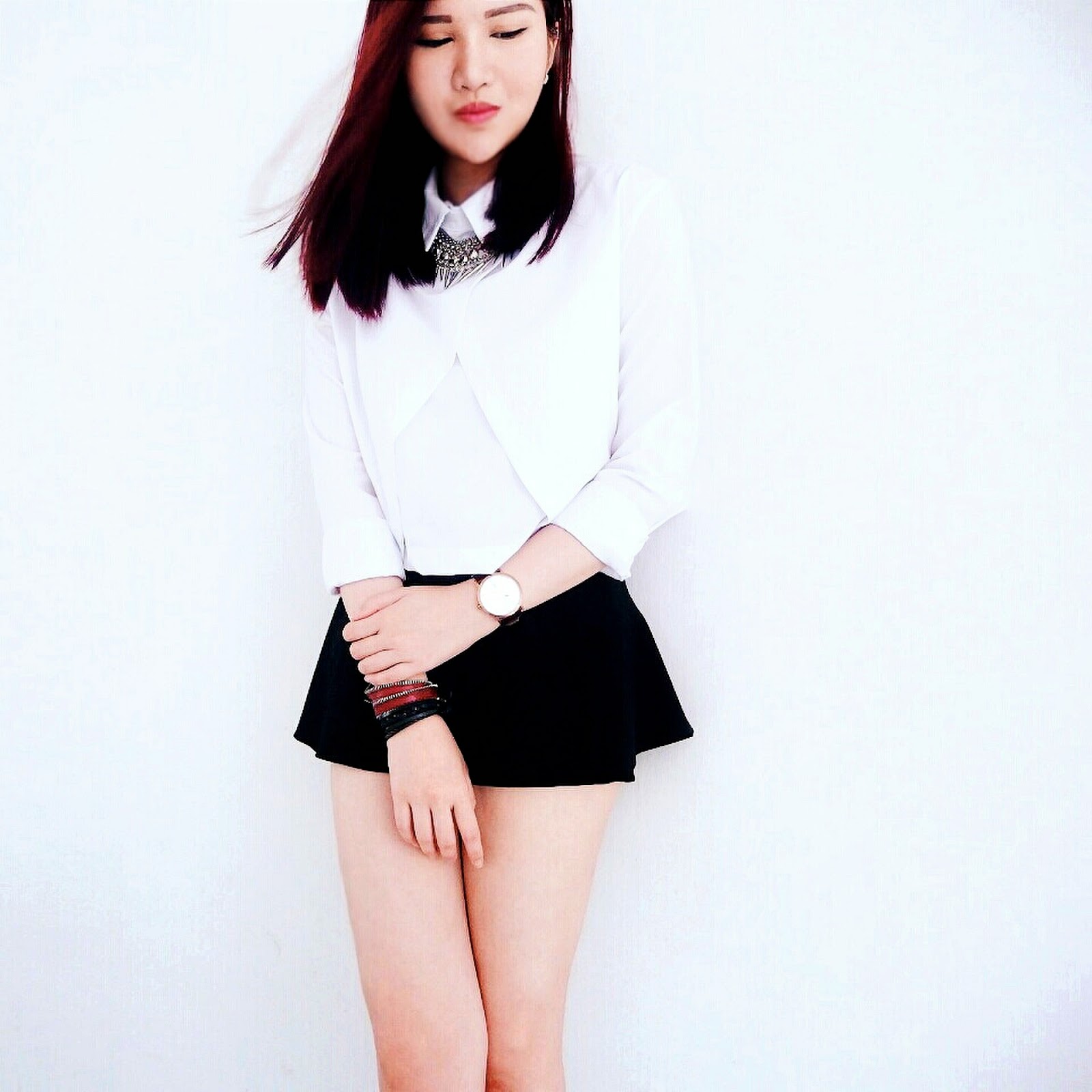
The original photo on the left has already been edited by VSCO and Snapseed

First, go the collage > grid

For this, I chose the first one

Import the photo

Import the same photo again on the other side

Use the 4th button on top to flip one of the photos to archive the mirror reflection effect,
Remember to set the border to 0

Position the photos and save the image.

Open up the image thru [Photo] and select the Add photo option shown above

Select the same original photo, drag to resize it

Choose which overlay you wanna use. For this I used Darken
Minimise PicsArt and go to LINE camera to flip the photo

This can actually be done using PicsArt too but I was in the middle of editing and I don't wanna lost the data so I decided to use LINE instead. LINE is really easy to use.
Go back to PicsArt and do the overlay process again...

Choose your clipart(s)

Adjust the opacity and choose the colour to your liking

Add texts


Done with PicsArt
Now go to Snapseed or XnExpress to make set the contrast and sharpen the image and TADA!! Easy right? Hahaha. So now you know how to do mirror reflection, clone yourself, add texts and cliparts. There are actually plenty more but I will save them for next time. Happy Editing!!
Cheers,
Kellayeee
